3bdd Deposit Guide
Read this page and you will know exactly how to add money to your 3bdd account using any local payment method — bKash, Nagad, Rocket, Upay, or Bank Transfer — and what to do if something goes wrong.
- SSL Encrypted
- 3-Min Arrival
- Mobile Payments
- 18+ Only
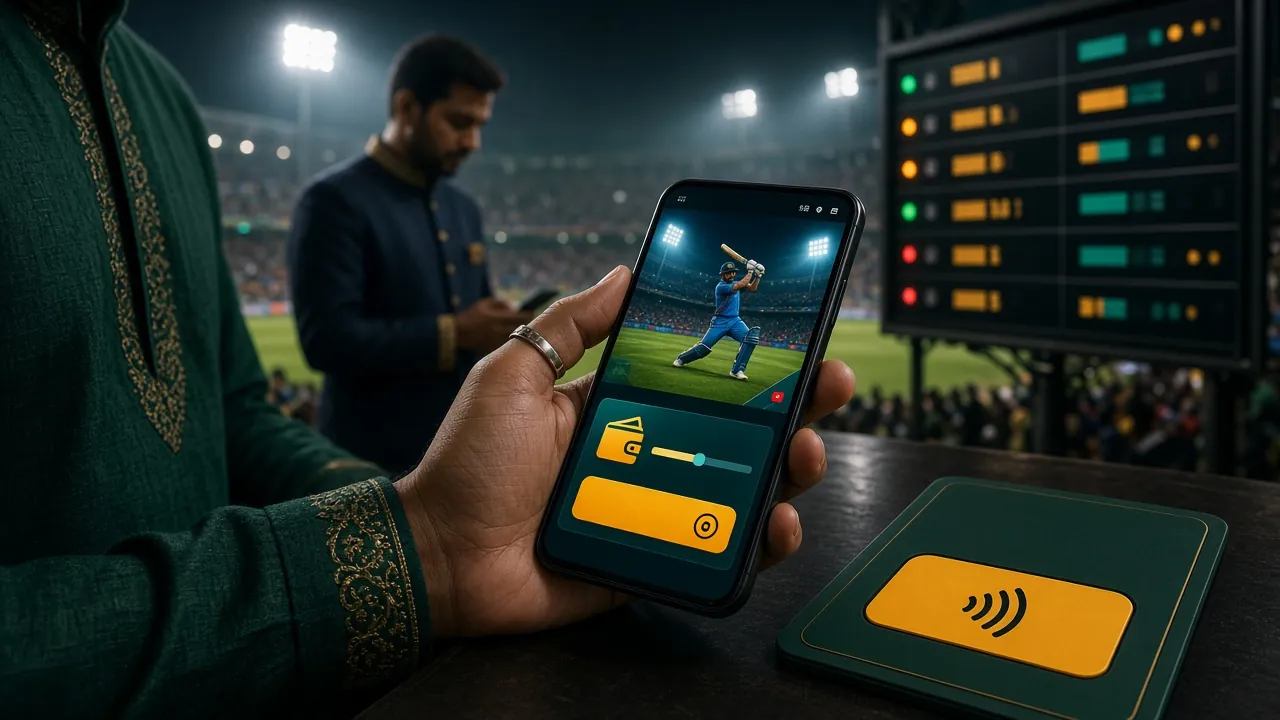
- Minimum Deposit
- ৳250
- Arrival Time
- 3 Min
- Welcome Bonus
- 180%
- Bonus Cap
- ৳27,500
Every method below is available around the clock. Pick the one you already use on your phone — there is no extra fee from 3bdd's side for any of them.
-
bKash
Deposit in ~3 min
Withdraw in ~37 min
Min ৳250 -
Nagad
Deposit in ~3 min
Withdraw in ~37 min
Min ৳250 -
Rocket
Deposit in ~3 min
Withdraw in ~37 min
Min ৳250 -
Upay
Deposit in ~3 min
Withdraw in ~37 min
Min ৳250 -
Bank Transfer
Deposit same day
Withdraw in ~37 min
Min ৳250
These five steps apply to every payment method. The method-specific steps further below fill in the details for each app or service.
-
Log in to 3bdd
Open 3bdd Login on your browser or the 3bdd App. Enter your registered phone number and password. If you haven't registered yet, create your account first — it takes under two minutes.
-
Go to the Cashier
Tap the wallet icon or the "Deposit" button in the top navigation bar. You will see a list of all available payment methods. Each shows the current processing time.
-
Choose Your Method and Enter an Amount
Select bKash, Nagad, Rocket, Upay, or Bank Transfer. Type the amount you want to deposit. The minimum is ৳250. The system will show you the exact amount to send before you confirm.
-
Complete the Payment on Your Mobile Wallet
Follow the on-screen instructions. For MFS apps (bKash, Nagad, Rocket, Upay), you will send money to a merchant or personal number displayed by 3bdd. Always copy the reference code shown — you will need it if the deposit takes longer than 3 minutes.
-
Return to 3bdd and Confirm
After sending, tap "I've Paid" or "Confirm" in the 3bdd cashier. Your balance updates in about 3 minutes. If it doesn't, paste the transaction ID into the Live Chat support window — they are available 24/7.
Sending via bKash App or USSD
bKash is the most-used option on 3bdd. The whole process — from tapping "Deposit" to seeing your balance update — usually finishes in under three minutes.
- In the 3bdd cashier, select bKash and enter your deposit amount (minimum ৳250).
- 3bdd shows you a merchant bKash number and a unique reference code. Copy both.
- Open your bKash app, tap Send Money, and enter the merchant number exactly as shown.
- In the reference or note field, paste the reference code from 3bdd. This links your payment to your account automatically.
- Enter your bKash PIN and confirm the transaction. Save the bKash transaction ID (TxID) from the confirmation SMS.
- Back in 3bdd, tap "I've Paid". Your balance appears within 3 minutes.
- Minimum
- ৳250
- Typical Arrival
- ~3 min
Sending via Nagad App or USSD *167#
Nagad works the same way as bKash. If you use Nagad as your main mobile wallet, this is just as fast.
- Select Nagad in the 3bdd cashier. Enter the amount (minimum ৳250).
- Note the Nagad merchant number and the reference code displayed by 3bdd.
- Open Nagad, tap Send Money, enter the merchant number.
- Add the 3bdd reference code in the message or reference field.
- Enter your Nagad PIN. Save the confirmation TxID.
- Return to 3bdd, tap "I've Paid". Balance updates in ~3 minutes.
- Minimum
- ৳250
- Typical Arrival
- ~3 min
Sending via Rocket (Dutch-Bangla) App or USSD *322#
Rocket accounts are linked to Dutch-Bangla Bank. The deposit flow is the same as bKash and Nagad.
- Select Rocket in the 3bdd cashier. Enter the amount (minimum ৳250).
- Copy the Rocket merchant number and the unique reference code shown.
- Open the Rocket app or dial *322#, choose Send Money.
- Paste the reference code when prompted for a note or reference.
- Confirm with your Rocket PIN. Save the TxID from the SMS.
- Back in 3bdd cashier, tap "I've Paid". Funds arrive in ~3 minutes.
- Minimum
- ৳250
- Typical Arrival
- ~3 min
Sending via Upay App
Upay is owned by UCB and is growing quickly in Bangladesh. It supports the same instant deposit process on 3bdd.
- Select Upay in the 3bdd cashier. Enter the amount (minimum ৳250).
- Copy the Upay merchant number and the reference code from the 3bdd screen.
- Open the Upay app, tap Payment or Send, and enter the merchant number.
- Enter the reference code in the remarks field.
- Confirm with your Upay PIN. Save the transaction confirmation number.
- Tap "I've Paid" in 3bdd. Your balance should update within 3 minutes.
- Minimum
- ৳250
- Typical Arrival
- ~3 min
Sending via Internet Banking or Branch
Bank Transfer suits larger amounts. The reference code step is especially important here — without it, matching your payment takes longer.
- Select Bank Transfer in the 3bdd cashier. Enter the amount (minimum ৳250).
- 3bdd shows you a bank account number, branch, and a unique reference code. Write all of these down before leaving the page.
- Log in to your bank's internet banking portal or visit a branch. Start a new transfer to the account number provided.
- In the payment reference or narration field, enter the reference code exactly. This is how 3bdd identifies your payment.
- Complete the transfer and save the bank's confirmation or payment receipt (PDF or screenshot).
- Return to 3bdd and tap "I've Paid". Upload the receipt if prompted. Bank transfers are confirmed the same business day, often faster.
- Minimum
- ৳250
- Arrival
- Same Day
Most deposit issues trace back to one of these causes. Find the symptom below and follow the fix before contacting support.
| Problem | Likely Cause | What to Do |
|---|---|---|
| Balance not updated after 3 minutes | Reference code missing or wrong | Open Live Chat, share your bKash/Nagad TxID and the amount. Support resolves it 24/7. |
| Payment failed or bounced back | Wrong merchant number or expired session | Go back to the 3bdd cashier and start a new deposit request — the merchant number refreshes each time. Do not reuse an old number. |
| "Amount below minimum" error | Amount entered is less than ৳250 | The minimum deposit on 3bdd is ৳250. Increase your amount and try again. |
| bKash shows "transaction limit exceeded" | Daily bKash send limit reached | Switch to Nagad or Rocket for the same day. Or wait until midnight (UTC+6) when your bKash limit resets. |
| Bonus not credited with deposit | Bonus already claimed or account ineligible | The welcome bonus applies to your very first deposit only. If you believe it should have been credited, contact Live Chat with your deposit receipt. |
| App cashier not loading | Outdated app version (below 3.2.9) | Update to the latest 3bdd App version 3.2.9 from the download page. The cashier requires the current version to display correctly. |
01What is the minimum deposit amount on 3bdd?
02How long does a 3bdd deposit actually take to arrive?
03Is there any deposit fee charged by 3bdd?
04Can I deposit from a bank account that isn't in my name?
05Why must I enter a reference code when sending money?
06What happens if I send too much money by mistake?
07Can I deposit using the 3bdd mobile app?
08How do I know my deposit is secure?
Ready to Fund Your 3bdd Account?
You now know exactly how every payment method works, what the minimums are, and what to do if something goes wrong. The next step is to register your account — it takes less than two minutes — and make your first deposit to unlock the 180% welcome bonus up to ৳27,500.
18+ · Play Responsibly